Evidence note: Deploy Desk implementation guide as of 2026-08-22. This is a desk synthesis of production patterns for tool-using agents (OpenAI-compatible tool calls, structured logs, policy gates). It is not a claim that any single framework is required. Adjust retention, PII redaction, and legal review to your environment.
Quick answer
To build a minimal tool agent with observability, do not start with autonomy demos. Start with a bounded loop: assign a run_id, let the model propose at most one allowlisted tool, execute it behind a policy check, log sanitized input/output, feed the observation back, and stop on success, budget exhaustion, or a write that needs human review. Observability is not a dashboard you add later—it is the run log that makes the loop debuggable. If you cannot answer “which tool ran with which arguments,” you do not have an agent you can operate.
Key takeaways
- One task = one
run_idshared by plan, tool, model, and final status events. - Allowlist tools; deny shell and unconstrained writes by default.
- Cap
max_steps,max_tool_calls, and wall-clock timeout before the first demo. - Log tool calls as first-class spans: name, redacted args, status, latency.
- Ship read-only tools first; gate email/DB writes behind human review.

Who this guide is for
- Engineers wiring a first internal agent that can call HTTP, search, or a calculator.
- Platform teams who already serve an LLM API and need a safe tool layer on top.
- PMs evaluating whether a vendor “agent” exposes enough logs to debug incidents.
Who should skip
- If you only need single-turn Q&A over documents, build RAG retrieval first.
- If you need multi-day autonomous browsing with purchases, this minimal pattern is intentionally too strict—and that is the point.
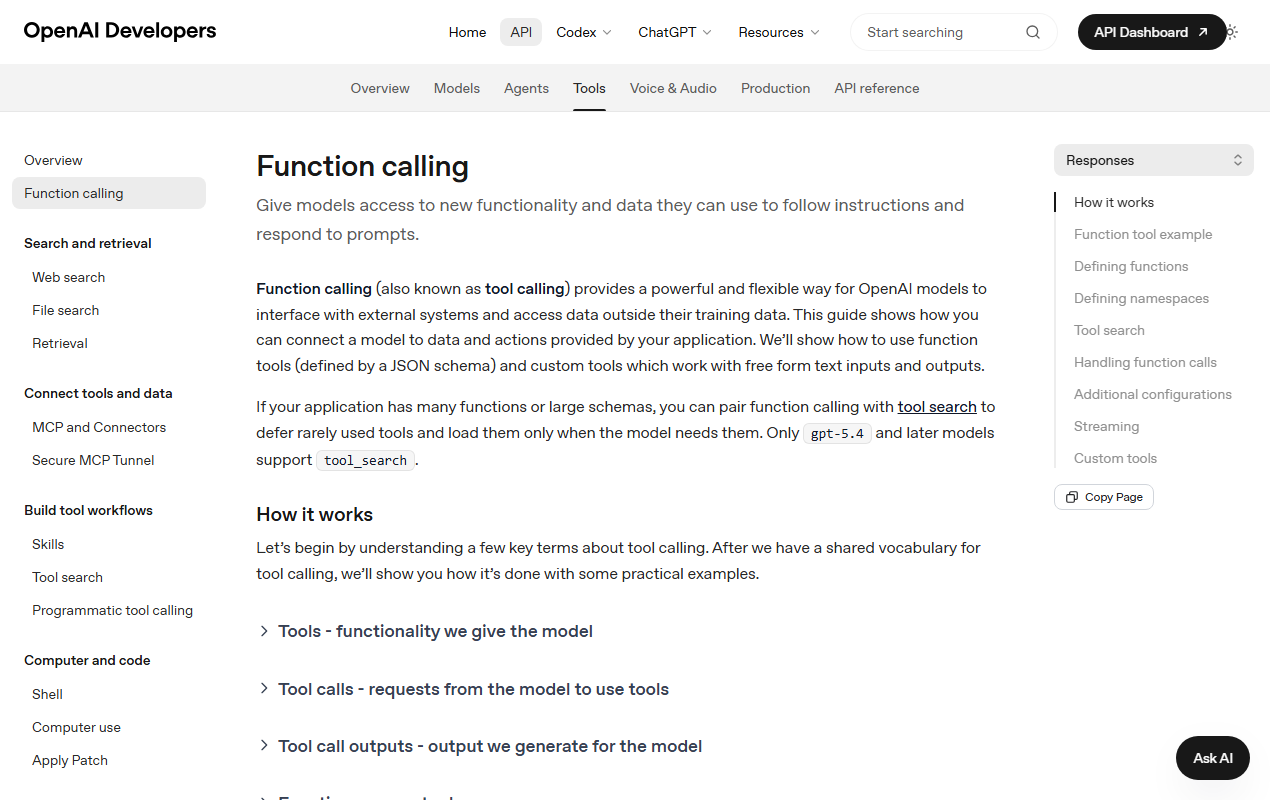
- For failure taxonomy without implementation steps, read agent failure modes and observability and AI agent observability: traces and tool calls.
Architecture: five objects, not twenty frameworks
| Object | Responsibility | Must log |
|---|---|---|
| Run | One user task lifecycle | run_id, task_type, budgets, final_status |
| Model step | Plan or answer | model id, tokens, latency |
| Tool registry | Allowlisted callables | tool name, version, permission tier |
| Policy gate | Allow / deny / review | decision, reason |
| Observation | Tool result fed back | status, latency, redacted payload summary |
Frameworks (LangGraph, custom loops, vendor SDKs) are optional. The objects are not.
Step 1: write the contract for one task type
Pick a single boring task, for example: “Fetch an allowlisted URL and summarize it in eight bullets.” Write down:
- Success criteria (what “done” means)
- Allowed tools (e.g.,
http_getonly) - Forbidden actions (no email, no DB write, no shell)
- Budgets: max steps 4–6, max tool calls 4–8, timeout 30–60s
If you cannot write the contract in one paragraph, the agent is not minimal yet.
Step 2: implement the tool registry with deny-by-default

# Pseudocode — keep tools boring and typed
TOOLS = {
  "http_get": {
    "fn": http_get,
    "permission": "read",
    "hosts_allow": ["docs.example.com"],
  },
  "calculator": {
    "fn": calculator,
    "permission": "read",
  },
  # "send_email" exists only in review mode, never auto
}
Host allowlists matter. An unrestricted HTTP tool is a data-exfiltration primitive.
Step 3: run the loop with hard stops
run_id = new_id()
log(run.start, run_id, task, budgets)

for step in range(1, max_steps + 1):
  decision = model.plan(messages, tools=allowlist)
  log(model.plan, run_id, step, decision.summary)

  if decision.type == "final":
    log(run.end, run_id, status="success")
    return decision.answer

  if decision.type == "tool":
    gate = policy.check(decision.tool, decision.args)
    if gate == "deny":
      log(policy.deny, run_id, decision.tool)
      return safe_refusal()
    if gate == "review":
      log(policy.review, run_id, decision.tool)
      return queue_human_review(run_id, decision)

    result = execute(decision.tool, decision.args)
    log(tool.result, run_id, status=result.status, latency_ms=result.ms)
    messages.append(observation(result))

log(run.end, run_id, status="failed", reason="budget_exhausted")
The model never executes tools directly. Your process does—after policy.
Step 4: make observability the default transport

run_id; tool payloads are redacted in production.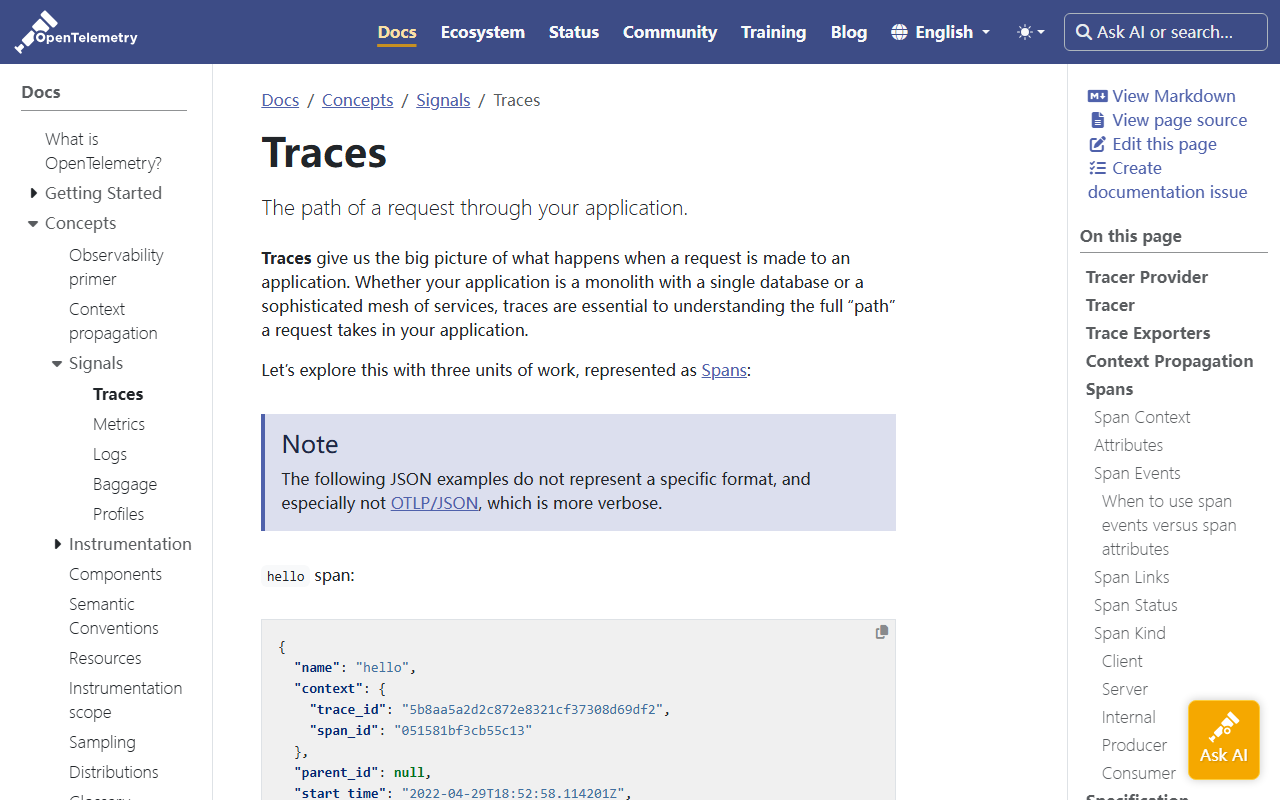
run_id / span logging when you graduate from JSONL to an APM.Minimum event types:
run.start/run.endmodel.plan/model.answertool.call/tool.resultpolicy.deny/policy.review
Field set to steal from the ops guide: run_id, span_id, tool_name, input_summary, output_summary, latency_ms, final_status, token counts. Deep dive: traces, tool calls, and failure logs.
Step 5: wire an OpenAI-compatible model endpoint
Your agent can call any OpenAI-compatible chat API that supports tool/function calling for your chosen model. If you self-host, complete the serving checklist in ship vLLM in production first, then point the agent at the private proxy—not at a raw GPU port.
# Shape only — use your provider's tool schema
response = client.chat.completions.create(
  model=MODEL,
  messages=messages,
  tools=openai_tool_schemas(allowlist),
  tool_choice="auto",
  temperature=0,
)
Pin model IDs. Temperature 0 is a reasonable default for tool routing while you debug.
Step 6: add one human gate before any write tool
When you eventually add send_email or ticket_create:
- Policy returns
reviewinstead of executing. - UI shows the exact tool args from the log.
- Human approves → execute once with the same
run_id. - Rejection is also logged as a first-class outcome.
Skipping this step is how demos become incident reports.
Step 7: acceptance tests (not vibes)
| Case | Expect |
|---|---|
| Allowlisted URL summarize | success; ≥1 http_get; run.end success |
| Disallowed host | policy.deny; no network call |
| Tool error / timeout | tool.result status=error; agent stops or retries within budget |
| Budget exhaustion | run.end failed with reason budget_exhausted |
| Write tool requested | policy.review; no side effect until approval |
Automate these five before inviting broader users.
Common mistakes
| Mistake | Symptom | Fix |
|---|---|---|
| No run_id | Cannot reconstruct incidents | Generate at task start; thread everywhere |
| Unrestricted HTTP tool | SSRF / data leaks | Host allowlist + size limits |
| Logging secrets | Compliance incident | Redact auth headers and bodies |
| Unlimited steps | Cost blowups; loops | Hard max_steps + timeout |
| Framework first | Opaque graphs, weak logs | Ship the five objects first |
FAQ
Do I need multi-agent orchestration?
Not for v1. One planner + allowlisted tools is enough to learn ops. Multi-agent patterns come after you can debug a single run. See multi-agent orchestration patterns when you outgrow one loop.
Is computer-use required?
No. Computer-use expands the blast radius. Start with typed tools. Read tool use vs computer use before enabling UI control.
Where should logs live?
Anywhere queryable by run_id: JSONL files in staging, then OpenSearch/ClickHouse/your APM. The schema matters more than the vendor.
How is this different from a chatbot with function calling?
The policy gate, budgets, and mandatory span logs. Vendors often show function calling; operators need deny/review paths.
Can I use my own API key from a browser?
Prefer a server-side proxy so keys are not embedded in clients. If you experiment with BYOK patterns, still keep tool execution server-side.
What to do next
- Implement one read-only tool + run_id JSON logs.
- Pass the five acceptance cases.
- Only then add a gated write tool.
Continue with agent observability field guide for dashboard design, and from chatbot to agent for the conceptual map.
Soft CTA: share a redacted run_id timeline in Community when your first deny-path test passes—that artifact teaches more than a demo GIF.